Supply-chain dashboards and QR scans, on the same data.
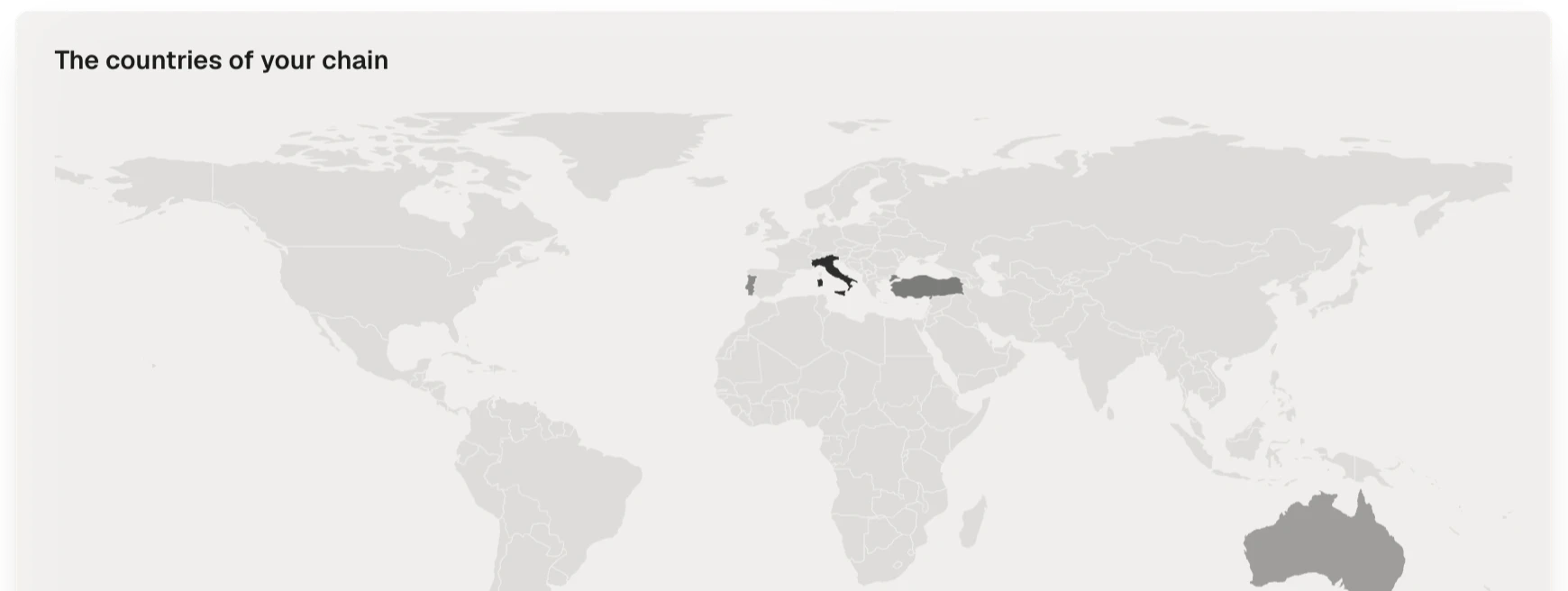
In how many countries production takes place, which certifications expire, which products would not be publishable tomorrow, which passports are consulted and from where. Three views — suppliers, materials, passports — over the same data.
From the total to the document, without leaving
How many countries you really produce in, what is certified, what expires in two months, who has not answered yet. Different questions, one view, always up to date.
Exports follow the same access rules
CSV files, nightly files and the read API, the connection your own systems can read from, follow the same access rules as the screen: no export shows more than the requester can already see.
Consultations are supply-chain data
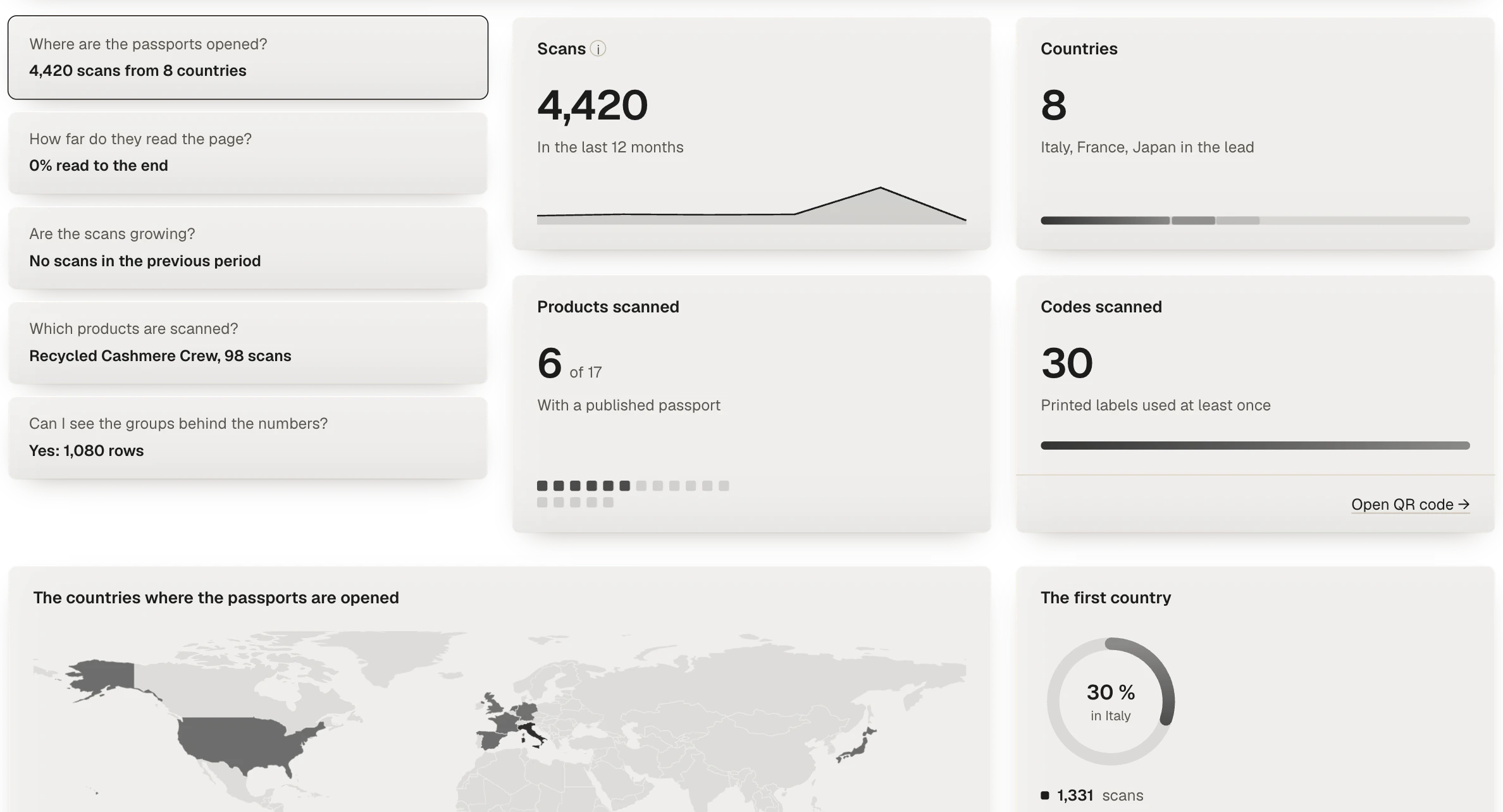
Passport openings are counted by number and by country, in aggregate, and the counts contain no personal data.
What each view answers
Analytics is not a separate report to prepare. It reads the rows the platform already holds, so the figures move as soon as a supplier answers, a document is accepted or a passport is scanned.
- Suppliers. In how many countries you produce and with how many companies, which certificates expire first and which have already expired, how many suppliers have answered and how many are silent, and how deep the chain you know goes, tier by tier.
- Materials. Which fibres your products are made of, how much of it is organic or recycled, which lines are certified and which are backed by a document. Where the weight of a garment and the quantities produced are both known, the view gives tonnage; where they are not, it counts products and says so.
- Passports. How often each published passport is opened, from which countries and devices, and how far down the page readers get, beside the readiness of the product behind it.
The questions it answers in practice
- Before a season closes. Filter by collection and see which products would not be publishable, and which supplier holds the missing piece.
- Before an audit or a customer questionnaire. List the certificates that expire in the next two months, and see which suppliers to ask for a renewal.
- When a buyer asks where you produce. The countries view answers with the number of countries and of companies, and each figure opens onto the suppliers behind it.
- When collection slows down. See which tier has gone quiet and which suppliers have not answered, instead of chasing everyone.
- When a passport is read a lot. The passports view shows which products are opened most, so the ones with a gap in their data can be completed first.
Questions about analytics
Where do the figures come from?
From the same data as the rest of the platform: the suppliers and purchases declared along your chain, the documents received, the products and their bills of materials, and the scans of published passports. Nothing is entered a second time for Analytics.
Do the three views follow the same filters?
Yes. The period and the product, category and collection filters are the same on suppliers, materials and passports, so the three views always describe the same part of your catalogue.
Does a supplier see my analytics?
No. Analytics is a view for your team. A supplier sees its own requests and nothing of your catalogue, and exports follow the same access rules as the screen.
Is a missing weight estimated?
No. A weight inferred from a category would be a figure you could not defend. Where weights or quantities are missing, the materials view counts products instead and says so.
Can I take the figures out of the platform?
Yes. CSV files, a file written every night and a read API export them, with the same access rules as the screen.